Mise: Everything in Its Place
One modern tool to manage tooling, environments, and tasks
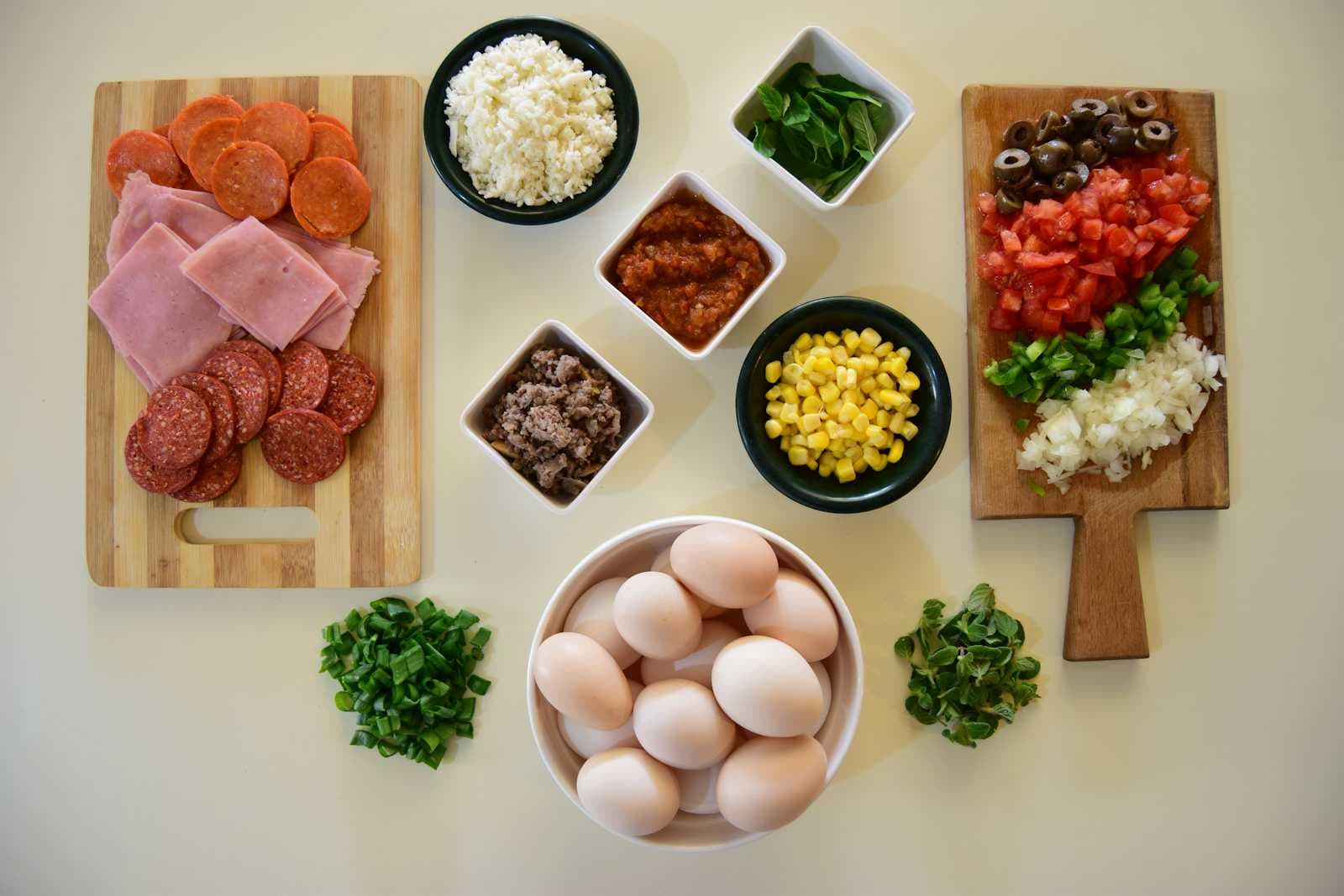
Mise (pronounced "meez") is a polyglot tool version manager and task runner. The name comes from the French cooking term "mise en place," which means "everything in its place." Just like a chef prepares all ingredients before cooking, mise helps you prepare your tooling and environments before coding.
If you work on multiple projects with different tool versions and many repetitive tasks, you know how messy things can get. One project needs Node 20, another needs Node 22. You have dozens of npm scripts, shell commands, and environment variables. This is where mise comes in. Mise replaces tools like nvm, pyenv, make, and even brew or parts of npm scripts. It gives you one simple tool to manage everything.
Tools
The first pillar of mise helps you manage installations of programming language runtimes and other tools.
Local vs Global Tools
Mise distinguishes between local (project-specific) and global (user-wide) tools.
Local tools are defined in your project's mise.toml file:
[tools]
node = "25"
rust = "latest"
When you run mise use node@25 in a project directory, it updates the local mise.toml file.
Global tools are defined in your home configuration (~/.config/mise/config.toml). Use the -g flag to install globally: mise use -g node@latest.
Global tools serve as defaults when no local configuration exists. This means you can have Node 25 as your global default, but a specific project can override it with Node 22.
When Mise is activated in your shell, it modifies your PATH to prioritize the correct tool versions.
Registry: Hundreds of Tools Ready to Use
Mise includes a registry with hundreds of pre-configured tools. You can use simple shorthand names.
# Install without activating
mise install -g pnpm@9

# Search for tools
mise registry | grep opencode
mise use -g opencode

# Or the built-in search and use
mise use -g

# Shows outdated tool versions
mise outdated

# Upgrades outdated tools
mise up

# Run a command with specific tools
mise exec python@3.12 -- ./myscript.py

# See which tools are active
mise current

# List all installed tools
mise ls
Backends: Install Tools from Anywhere
When a tool is not in the registry, mise can install it from various backends. They are different sources where mise can find and install tools. Such as npm, dotnet, or even directly from github or http.
For instance, as I use Linux Fedora Cosmic Atomic, but Ghostty terminal is not yet available in flatpak, I can easily install it with Mise and track updates alongside my other tools:
# mise use -g github:pkgforge-dev/ghostty-appimage
# or modify ~/.config/mise/config.toml
[tools."github:pkgforge-dev/ghostty-appimage"]
version = "latest"
bin = "ghostty" # to rename the binary and remove the version number
Then adding the icon manually (~/.local/share/applications/ghostty.desktop):
[Desktop Entry]
Type=Application
Name=Ghostty
Exec=/home/akhansari/.local/share/mise/installs/github-pkgforge-dev-ghostty-appimage/latest/ghostty
Icon=/home/akhansari/Pictures/icons/ghostty.png
Environments
The second pillar of mise helps you manage environments.
Every project needs environment variables: database URLs, API keys, feature flags, and more. Managing these across local development and other envs is often messy. Mise solves this problem by making environment variables part of your project configuration.
Add environment variables to the [env] section of your project’s Mise configurations:
# mise.toml (in git)

[env]
APP_ENV = { required = true }
# Or with helpful message
DATABASE_URL = { required = "Connection string for PostgreSQL. Format: postgres://user:pass@host/db" }

# mise.local.toml (gitignore)

[env]
APP_ENV = "development"
DATABASE_URL = "postgres://root:root@localhost"

# Helpers

[env]
# Templates
DATABASE_URL = "postgres://root:root@localhost/{{env.APP_ENV}}"
# Protecting sensitive values
API_KEY = { value = "super-secret-key", redact = true }
When you enter the project directory, these variables are automatically set. When you leave, they are unset. No more forgetting to export variables or polluting your global shell environment.
Tasks
The third pillar of mise is the task runner. It’s like Make but better.
Every project has commands you run repeatedly: start the dev server, run tests, build for production, deploy. These commands often live in different places, npm scripts, shell scripts, Makefiles, or just in your memory. Mise brings them all together in one place.
The best part? Tasks automatically have access to your mise environment. Your tools are on PATH, your environment variables are set. No more "command not found" errors because you forgot to activate something.
Defining Tasks
Tasks live in the [tasks] section of your mise.toml. Each task has a name and a command to run:
[tasks.serve]
run = "pnpm run serve"

[tasks.test]
run = "pnpm run vitest"

[tasks.build]
run = "pnpm build"

[tasks.iac-apply]
description = "Creates or updates infrastructure"
dir = "./iac"
run = "tofu apply"
Run any task with mise run:
# Run a task
mise run serve

# Or search and run
mise run

# Run a task including mise.staging.toml
mise --env staging run build

# Pass additional params
mise run test --help  # This will show the Vitest's help
Task Composition
Simple tasks are useful, but the real power comes from combining them. Mise offers two ways to compose tasks.
Sequential execution runs tasks one after another. If any task fails, the chain stops:
[tasks.check-backend]
run = "pnpm --filter backend check"

[tasks.check-frontend]
run = "pnpm --filter frontend check"

[tasks.check]
run = [
  { task = "check-backend" },
  { task = "check-frontend" }
]
Dependencies ensure prerequisite tasks run first. Use depends when a task always needs something else:
[tasks.podman-push]
depends = "podman-login"
run = [
  { task = "podman-push-backend" },
  { task = "podman-push-frontend" }
]
The difference is subtle but important:
Sequential (
run): "Run A, then B, then C"Dependencies (
depends): "Before running this, make sure X is done"
Conclusion
Dev Tooling is full of small annoyances: wrong tool versions, missing environment variables, forgotten commands, inconsistent setups between team members. Each problem is small, but together they waste hours every week.
Mise eliminates these problems with three simple ideas:
Dev Tools: Define your tool versions in code. Switch automatically when you change directories. And manage your global dev tools.
Environments: Keep environment variables with your project, not scattered across shell configs and
.envfiles. Validate them before things break.Tasks: Put your commands in one place. Compose them into pipelines. Make your CI configuration trivial.
That is what "mise en place" means: everything in its place, ready to go.